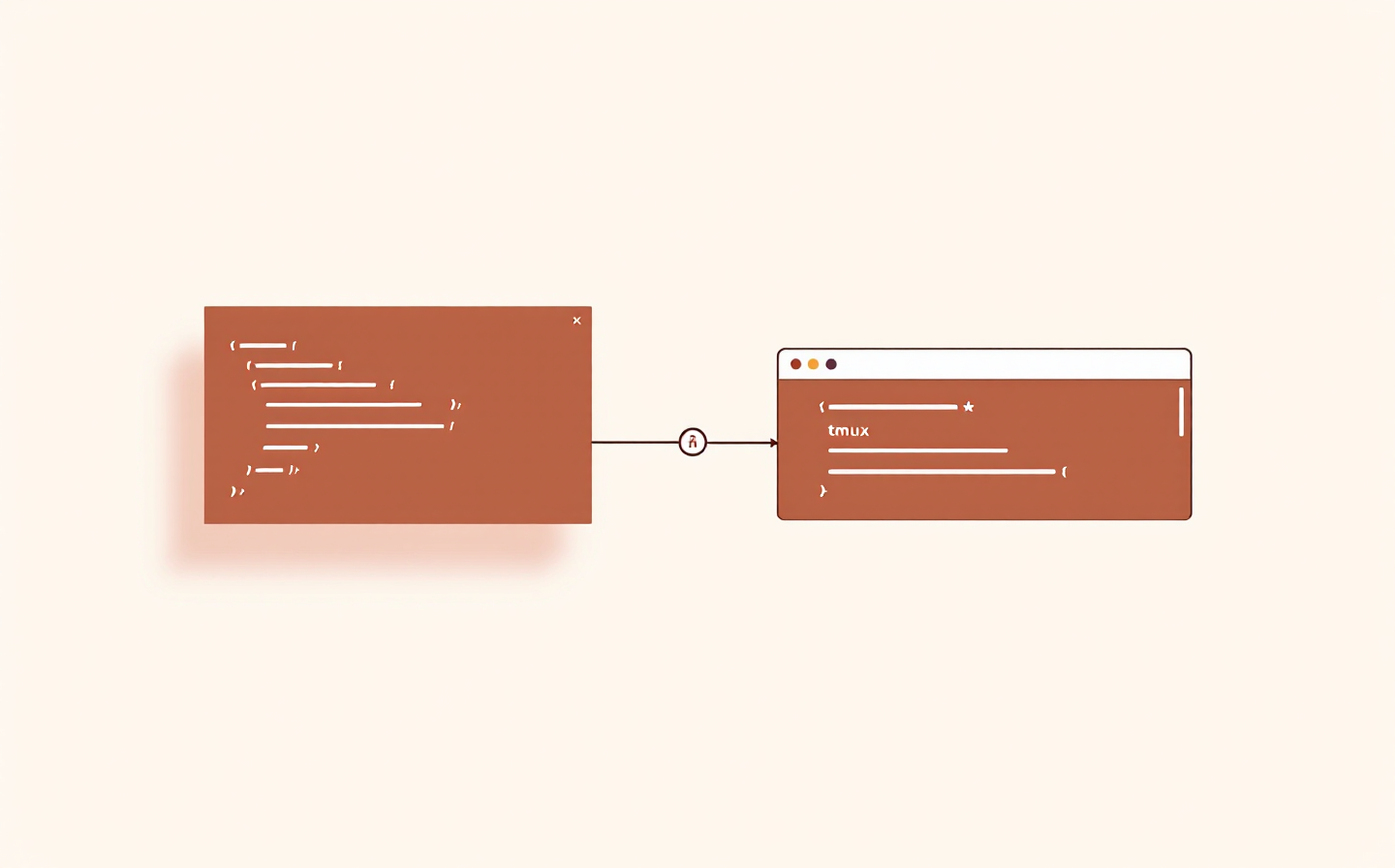
My Claude Code IDE: Zed for Review, Ghostty and tmux for the Agent
Why I split the editor and the agent across two apps, how tmux keeps Claude Code sessions alive when the window closes, and the small configuration quirks that make it all feel native.
When I started using Claude Code seriously, I expected to live inside VS Code with its Claude Code extension. I tried that setup for a few weeks and it worked — but it always felt like two tools wrestling for the same real estate. The editor wanted to show me code. The agent wanted my full attention. Both wanted the bottom half of the window.
The configuration I've landed on splits the roles across two apps: a terminal for the agent, an editor for reviewing what it did. That separation turned out to be the thing that made the whole workflow click. This post is a walkthrough of that setup — Ghostty and tmux for the agent side, Zed for the review side — plus the small configuration knots you actually need to untie to make it feel native.
Why Two Apps Instead of One
A plugin-based setup (VS Code + Claude Code extension) puts both the agent and the editor into a single window. It's convenient, but two things bothered me:
The agent pane is always small. The editor takes the majority of the screen by default, and when I'm actually reviewing a long diff I want the editor to be large, not the agent. A resizable pane doesn't fix that — it just makes every rearrangement a judgment call.
The session is tied to the window. Close VS Code, lose the conversation. Reboot, lose everything. There's resume support, but it's not the same as having the session genuinely still running.
Separating the two apps fixes both. The agent runs full-screen in Ghostty (often split across tmux panes when I want two agents working in parallel). The editor opens separately, showing me only code. The agent keeps running when the editor is closed, and the editor reloads itself when the agent changes a file.
The mental model is simple: Claude Code is a process, not a panel. Once you start treating it that way, hosting it in a terminal multiplexer is the natural choice.
The Setup at a Glance
Ghosttyfullscreen
tmux session: misoto22
claudethe agent
pnpm devor a REPL
persisted by tmux + resurrect
Zedproject diff · git panel
Inline diff guttersreads what Claude wrote
opens when I want to review changes
Ghostty hosts tmux; tmux hosts the session. Zed opens beside them to read the diff.
Ghostty hosts tmux. tmux hosts the Claude Code session alongside a dev server or a REPL. Zed opens on the side to review what Claude changes. Closing Ghostty doesn't kill the Claude session — tmux detaches it, and tmux-resurrect brings it back later.
The rest of this post walks through each piece.
Zed — The Review Side
I used VS Code for years. Zed replaced it as my read-mostly editor for Claude Code work for two reasons: it's fast enough that I don't notice opening it, and its git-diff integration is good enough that reviewing agent-generated changes is the primary thing I do in it.
Git integration is what I actually use. Zed gives you three views of a change:
Colored gutter bars next to each line (added / modified / deleted)
Inline blame showing the commit for the current line, which is useful for distinguishing what Claude just wrote from what was already there
A Project Diff view that lists every changed file in the working tree as an editable multibuffer — you can stage or unstage hunks from it directly with cmd-y / alt-y
The Git panel and Project Diff both refresh instantly when Claude writes to disk, so I can watch changes appear as the agent makes them. There's one caveat worth knowing: buffers you've already opened don't auto-reload. If Claude rewrites a file that's open in a Zed tab, Zed notices the file changed on disk but leaves the buffer showing the old content until you run editor::ReloadFile. The community has asked for automatic reload of unmodified buffers but it's not shipped yet.
My habit: use the Git panel and Project Diff to find what Claude changed, then open the file fresh (not from an existing tab) to actually read it. That sidesteps the stale-buffer issue entirely.
Split views — useful when I want a diff on one side and the current file on the other, or two related files side by side. Zed's splitting is lightweight enough that I use it reflexively instead of tab-hopping.
What I don't use Zed for: writing code directly. Claude writes almost all of the code now. Zed is where I read it, approve it, and occasionally fix a one-liner that's faster than explaining.
Ghostty — The Terminal
Ghostty is a GPU-accelerated terminal emulator with a zero-configuration philosophy. It does what iTerm2 and Alacritty do, but the defaults are good enough that I haven't had to touch its config beyond a font size.
What makes it worth choosing for Claude Code specifically:
Shift+Enter works natively for multi-line input in Claude Code. Most terminals need a keybinding tweak; Ghostty, iTerm2, WezTerm, and Kitty are the four the docs list as working out of the box.
Desktop notifications work without config. When Claude finishes a long task and fires a notification hook, Ghostty pops it up like any other macOS notification.
GPU rendering means scrollback and long outputs don't judder. This matters more than you'd expect when Claude is dumping thousands of tokens into the terminal.
The thing to understand about Ghostty: it's intentionally boring. No built-in tab UI beyond the basics, no plugin system, no scripting layer. If you want sessions and splits, you reach for tmux. That's the point.
tmux — Sessions, Windows, Panes
tmux is a terminal multiplexer. If you haven't used one, the three concepts to understand are:
Pane — a rectangle of terminal, running one shell or one program.
Window — a tab, containing one or more panes.
Session — a collection of windows. This is the unit that survives across terminal crashes, reboots, and SSH disconnects.
The magic verb is detach. When you detach from a session, everything in it keeps running — the Claude Code conversation, the dev server, the REPL, a long-running build. You can come back later (tmux attach -t <name>) and find it exactly where you left it. Close Ghostty entirely and reopen it — still running. SSH disconnects in the middle of a deploy — still running.
For Claude Code specifically, this solves the single most annoying thing about terminal-hosted agents: losing the conversation because you closed a window.
My default layout for a project session is two panes: Claude Code on the left, a dev server or test watcher on the right. When I'm running two agents in parallel on different branches, it becomes two horizontal panes stacked in one window, one session per project.
Session Persistence — Surviving Reboots
Detach-and-reattach handles closed windows and SSH drops. It doesn't handle reboots — tmux sessions live in memory, so a restart clears them. For that you need two plugins, and for Claude Code specifically, a third.
tmux-resurrect saves the environment: session list, window layout, pane arrangement, working directories, and in many cases the running programs themselves. Trigger with prefix + Ctrl-s to save, prefix + Ctrl-r to restore.
tmux-continuum sits on top. It auto-saves every 15 minutes in the background, and with one setting it auto-restores the last save whenever tmux starts. The line that makes it work:
set -g @continuum-restore 'on'
After that, tmux on a fresh boot comes up already attached to where you left off the last time.
The gap: plain resurrect captures that Claude Code was running in a pane, but not which conversation it was attached to. A restored pane opens a fresh Claude session, not your old one. That's fine for a shell or a dev server, but useless if you wanted to pick up a long conversation.
tmux-assistant-resurrect closes that gap. It's a companion plugin that hooks into CC's SessionStart event to record each live session's UUID, then hooks tmux-resurrect's save/restore lifecycle to re-run claude --resume <id> in the right pane when tmux comes back. The command it reconstructs keeps your CLI flags, your environment variables, and your session history intact. Install via TPM alongside the other two:
set -g @plugin 'tmux-plugins/tmux-resurrect'set -g @plugin 'tmux-plugins/tmux-continuum'set -g @plugin 'timvw/tmux-assistant-resurrect'
The practical result: I reboot, Ghostty opens, tmux attaches, and three Claude Code windows come back in exactly the state they were in — same conversations, same working directories, same dev servers alongside them.
The Configuration Knots That Actually Matter
Most of ~/.tmux.conf is personal preference. A few lines, though, are load-bearing for Claude Code specifically.
Shift+Enter for newlines. tmux strips extended keys by default, which means Shift+Enter submits your message instead of inserting a newline inside Claude Code. Two lines fix this:
set -s extended-keys onset -as terminal-features 'xterm*:extkeys'
The first tells tmux to honour extended key reporting when Claude Code requests it. The second tells tmux that the outer terminal (Ghostty) can pass those sequences through.
Desktop notification passthrough. Claude Code's notification hook emits an escape sequence the outer terminal converts into a native notification. tmux intercepts that sequence by default, so notifications never reach Ghostty. One line opens the channel:
set -g allow-passthrough on
The same setting also lets Claude Code's terminal progress bar reach the outer terminal.
Sensible defaults. I use the standard tmux-sensible plugin so I don't have to re-learn every obscure default. The only things I change on top are a higher history limit (for when Claude spews a long trace), and set -g mouse on so I can click between panes instead of reaching for the prefix.
Everything else — status bar, colours, key remaps — is taste, and nothing about it is Claude-specific.
A Typical Session
The flow I fall into without thinking:
tmux attach (or just tmux if continuum already restored) → I'm immediately back where I left off.
Switch to the pane running Claude Code. The conversation is still there.
Describe what I want. Claude edits files, runs tests, commits.
When I need to review, I cmd-tab to Zed. Project Diff shows everything that changed. Read, approve, or send corrections back to Claude.
If I need to check something the terminal isn't showing well — a long log, a diff too big for the pane — I cmd-tab to Zed for that too.
Close my laptop lid at the end of the day. Reopen next morning. Same session, same Claude conversation, same dev server still running.
Two apps, clear roles, no context switching penalty. It stops feeling like setup and starts feeling like a single environment.
What I'd Set Up First
If you're moving from VS Code + Claude Code extension to a terminal-hosted setup, in order:
Install Ghostty or another terminal where Shift+Enter works natively. iTerm2, WezTerm, and Kitty are the other three that work out of the box.
Install tmux. Even before you think about plugins, the detach-and-reattach behaviour alone is worth it.
Install tmux-resurrect, tmux-continuum, and tmux-assistant-resurrect. All three via TPM in fifteen minutes. This is the piece that makes the setup actually resilient.
Add the three must-have tmux config lines (extended-keys, terminal-features, allow-passthrough).
Pick an editor for review. Zed is what I use; VS Code without the Claude extension works too. The point is that the editor is a read-mostly companion now, not the agent's host.
Stop resizing panes and start trusting cmd-tab. Two full windows will feel wrong at first. Give it a week.
Most of the friction in an AI-driven workflow comes from fighting your tools for attention. Splitting the agent and the editor into two apps ends that fight. Everything else — session persistence, keybindings, diff views — is polish on top of that one decision.
References
Every link below is a page I consulted while writing this post. The notes are what you'll actually get from each.
Optimize your terminal setup↗ — Claude Code's official terminal guide. The canonical reference for Shift+Enter configuration, tmux extended-keys requirements, and notification passthrough. Read this before touching ~/.tmux.conf.
Zed Git documentation↗ — Git panel, Project Diff, inline blame, and the two diff-view modes. Also the source for the gutter and word-level highlighting behaviour.
Ghostty documentation↗ — Ghostty's design philosophy and supported platforms. Short by design; the whole point is that you don't need to read much.
tmux-resurrect↗ and tmux-continuum↗ — The two standard plugins for tmux session persistence. Read both: resurrect explains what's saved, continuum explains how to make the whole thing automatic.
tmux-assistant-resurrect↗ — The Claude-Code-specific glue that turns "tmux came back" into "my Claude conversations came back". The README walks through how it hooks SessionStart to track session IDs and re-runs claude --resume on restore.