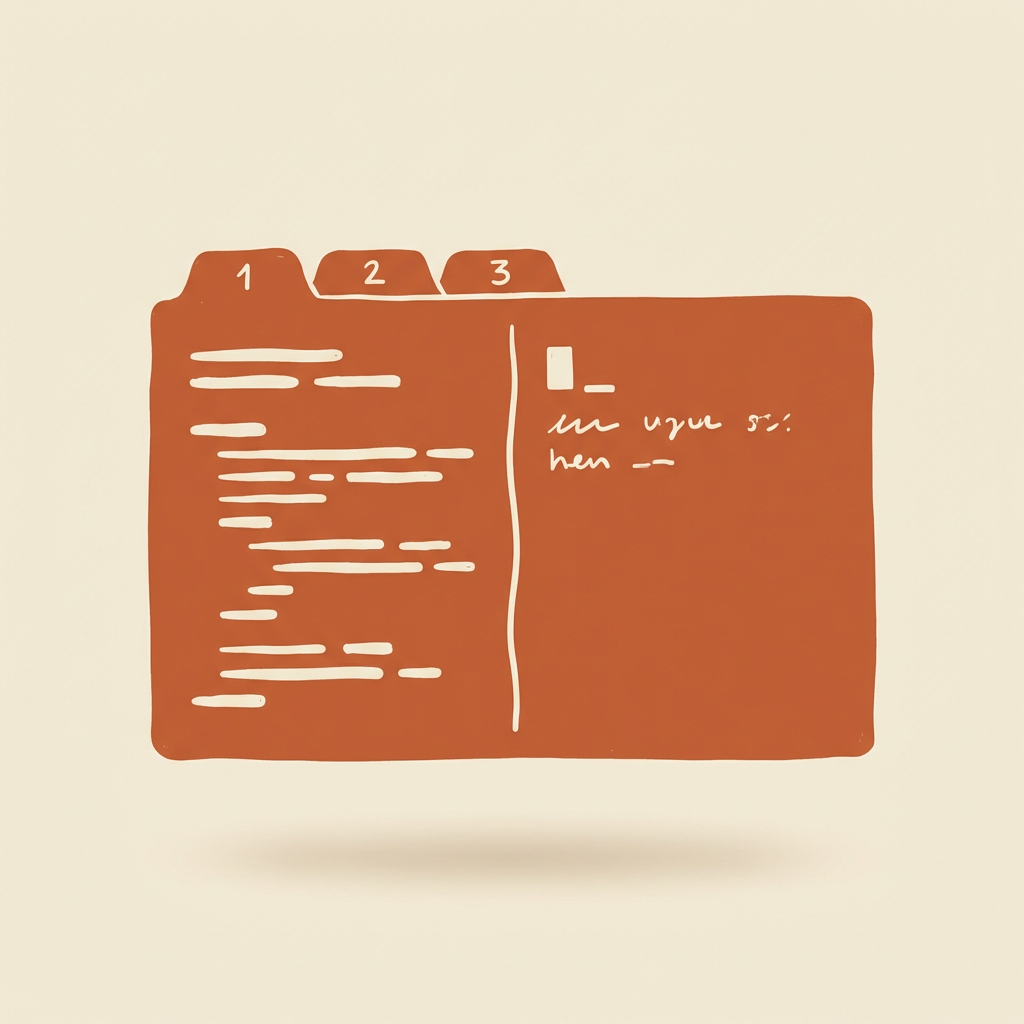
Ghostty + Tmux: One Tab Per Project, One Pane for Claude, One for the App
How I use Ghostty tabs as project slots and tmux as the split manager — why tabs stay visible, why splits live in tmux, and the config choices that make eight projects open at once stop feeling like eight projects open at once.
The best terminal isn't the one with the most features. It's the one that lets you open eight projects at once without your brain leaking out of your ears.
What I landed on is boring on purpose: Ghostty hosts the window, macOS tabs slot projects, and every project lives inside a tmux session where splits hold the two things that matter — Claude Code on one side, the app running on the other. No fancy Ghostty splits, no workspace manager, no tmuxinator config file I stop understanding after three months.
This post is a walkthrough of that setup and the config choices behind it. The full ~/.config/ghostty/config lives at github.com/Misoto22/ghostty-config↗ if you want to grab it as-is.
The Mental Model
Three rules drive every decision:
Rule
What it means
Tab = Project
Every Ghostty tab is pinned to one project. Switching project means ⌘+1/2/3, not hunting a window.
Tmux = Role
Inside a tab, tmux splits hold fixed roles: left pane runs Claude Code, right pane runs the app / tests / logs.
Ghostty is just the host
Ghostty does fonts, colors, tabs, keybinds. It does not do splits or session persistence. That is tmux's job.
Why splits in tmux instead of Ghostty's native splits? Detach, reattach, survive an SSH session. Reboot the machine, tmux attach brings everything back. Claude Code on the left picks up with claude --continue, the app on the right still has its history. Ghostty's native splits can't do that.
Shortcut Cheat Sheet
Ghostty — windows and tabs only:
Key
Action
⌘+T
New tab (a new project slot)
⌘+W
Close current surface
⌘+1~9
Jump to Nth tab
⌘+Shift+Enter
Toggle fullscreen
⌘+K
Clear screen
⌘+`
Quick Terminal (global hotkey)
⌘+D / ⌘+Shift+D
Native split (fallback when I haven't started tmux)
Tmux — everything inside a project. I use Ctrl+a as prefix (personal preference; stock Ctrl+b works fine):
Why not Maple Mono? I rarely need CJK monospace, and I prefer JetBrains Mono's proportions and ligatures. The Nerd Font build ships with all the icons tmux's status bar and starship prompt need — one font, no fallback chain.
font-thicken = false because I don't want to compensate for macOS's rendering. The native, slightly thinner weight reads cleaner against a high-opacity dark background.
Theme: Cobalt Next Dark, One and Done
theme = Cobalt Next Dark
No light:…,dark:… auto-switching. Reason: I'm almost never coding in a light terminal. For the six-to-eight hours I'm in it, the room lighting is constant. Switching themes only disturbs the color associations I've built up in the tmux status bar. One fixed scheme, one less thing to track.
Cobalt Next Dark has a bit more contrast than Catppuccin Mocha — diff reds pop harder, which matters more to me than café aesthetics.
Two disagreements with the popular "disappearing terminal" setup:
background-opacity = 0.96 — not 0.88. I have a tmux status bar at the bottom. Too much transparency and the wallpaper bleeds through the status bar text. 0.96 leaves a hint of depth without sacrificing readability. Function first, aesthetics second.
macos-titlebar-style = tabs — not hidden. Tabs are my project switcher. I need to see them. ⌘+1/2/3 is muscle memory, but visually confirming "I'm in the right project" happens every few minutes. The pixels I'd save by hiding the title bar aren't worth paying for that confirmation.
Block cursor isn't nostalgia — I spend a lot of time in tmux + vim, and a block cursor matches vim's normal-mode cursor visually. One less cognitive switch.
scrollback-limit = 100000 — two orders of magnitude smaller than some guides suggest. Enough to scroll through one build log. If I actually need to study output later, I pipe to | tee build.log. Scrollback shouldn't pretend to be a logging system.
macos-option-as-alt = true is non-negotiable. Shell life needs Option+←/→ for word-jump and Option+Backspace for word-delete. Without it, half of readline is dead.
One purpose: I'm in VS Code / a browser / Notion, and I suddenly need git status or pbpaste | wc -l. ⌘+` drops a terminal from the top, I type, I hit it again to hide. No new tab, no polluted project context.
These stay for the case where I open a throwaway tab and don't want to start a tmux session just to split it. Day-to-day, entering a project tab means tmux a or tmux new -s <project>, and from there splits are tmux's job.
A Project's Daily Flow
Opening one:
Shell
⌘+T # new tabcd ~/code/efisiontmux new -s efision # or `tmux a -t efision`
The standard layout inside tmux:
Ghosttyfullscreen
Claude Codeclaude
cargo runor pytest, or tail -f
one tmux window
One window, two panes — the agent on the left, whatever it is driving on the right.
Claude Code on the left. On the right, whatever the project's long-running companion is:
Rust project: cargo watch -x run
Django: uv run manage.py runserver
Frontend: pnpm dev
If I need a third pane for an ad-hoc git diff or psql, prefix + - cuts one below.
Switching projects:⌘+2 → a different tab → that project's tmux session is right where I left it.
Shutdown / Ghostty crash: shrug. The tmux server is still running (unless the machine rebooted). Reopen Ghostty, tmux a -t <name> in each tab, and every pane comes back, Claude Code included. Then claude --continue to resume the conversation.
Scenario Cheat Sheet
Scenario
Action
Switch project
⌘+1/2/3
Add a pane to tail a log
prefix + -
Claude's output overflows
prefix + z to zoom the pane
Run a quick command without polluting the project
⌘+` Quick Terminal
Resume after a reboot
tmux a + claude --continue
One-off experiment
⌘+T and skip tmux entirely
Why This Beats Native Splits
Dimension
Ghostty native splits
Tmux splits
Persistence
Lost on restart
tmux a brings them back
SSH consistency
Can't use remotely
Same muscle memory local and remote
Scripted layouts
Manual drag
tmuxinator / shell script for one-command setup
Naming / switching
None
prefix + $ renames the window
The cost is one prefix key and one layer of abstraction. Worth it for me.